By teachreviews
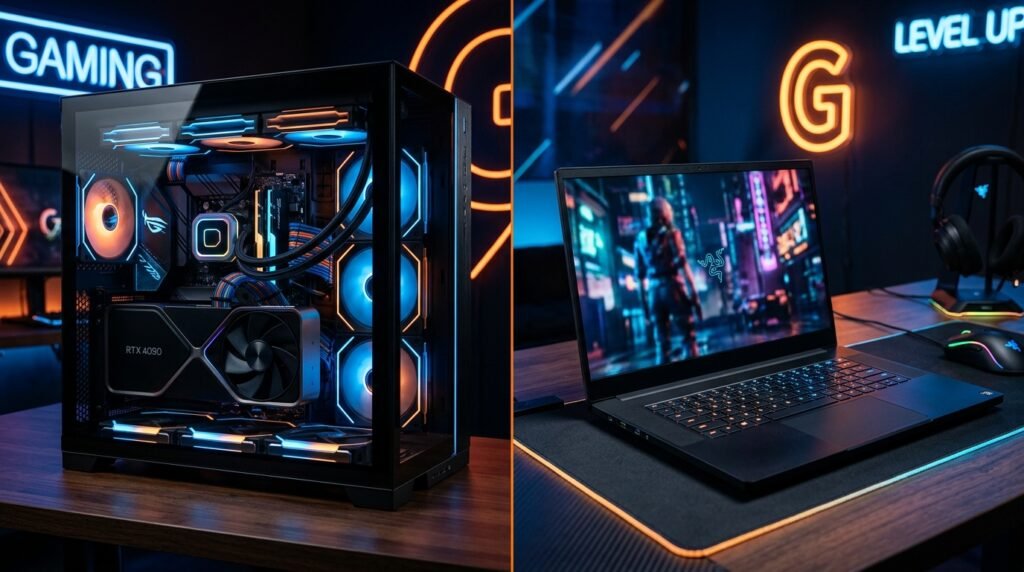
If you play at one desk and want the most frames for your money, buy a gaming desktop. If you need to move your setup between rooms, hostels, offices or cities, buy a gaming laptop. That is the short answer to the gaming laptop vs desktop question, and for most people it is the right one.
The longer answer depends on how you play, how long you plan to keep the machine, and what you already own. This guide walks through performance, cooling, upgrades, cost, screens, noise and portability, so you can decide without guessing.
Quick Answer: Desktop or Laptop for Gaming?
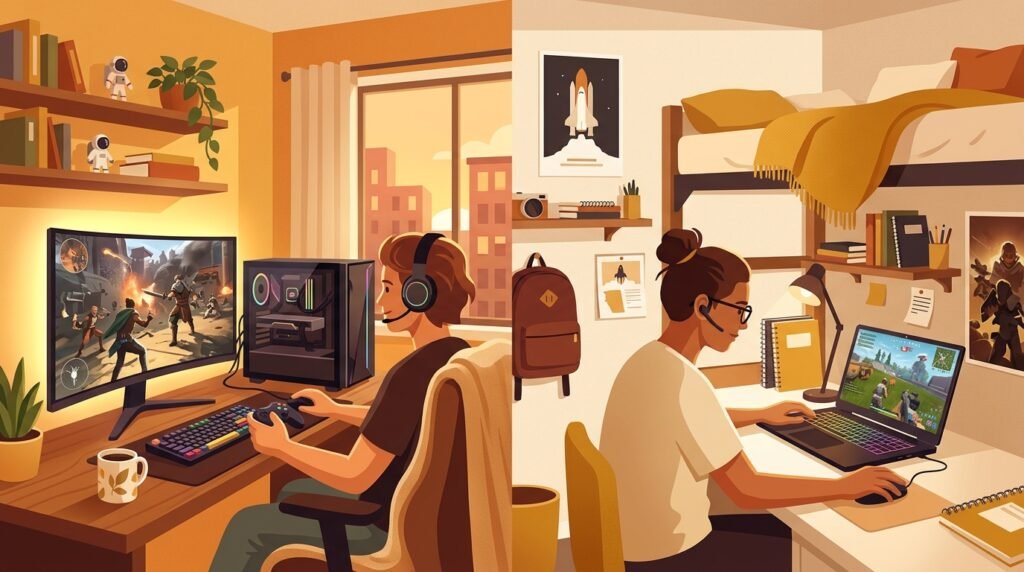
Pick a desktop if:
- You game at home, mostly in one spot
- You want the best performance for your budget
- You plan to keep the machine for five years or more
- You play long sessions or demanding 1440p and 4K titles
Pick a laptop if:
- You study, work or travel and need one device for everything
- You have limited desk space or share a room
- You move often and cannot leave a tower behind
- You are fine replacing the whole machine every three to four years
Gaming Laptop vs Desktop: Quick Comparison Table
| Factor | Gaming Desktop | Gaming Laptop |
|---|---|---|
| Performance at the same price | Higher | Lower |
| Portability | None | Excellent |
| Upgrades | GPU, CPU, RAM, storage, PSU | Usually RAM and storage only |
| Cooling | Large coolers, many fans | Compact, limited |
| Screen | Choose any monitor | Built in, fixed |
| Battery | Not needed | Short while gaming |
| Noise | Easy to keep quiet | Fans get loud under load |
| Typical lifespan | 6 to 8 years with upgrades | 3 to 5 years |
| Extra purchases | Monitor, keyboard, mouse | Mouse and headset, mostly |
Performance: Laptop GPU vs Desktop GPU
This is where most buyers get caught out, so it deserves a careful look.
Why the Same GPU Name Performs Differently
An RTX 5070 in a laptop is not the same card as an RTX 5070 in a desktop. Laptop chips are built to run at lower power, so they run slower. The power limit is called TGP (Total Graphics Power), and it can differ a lot from one laptop to the next, even when the GPU name on the box is identical.
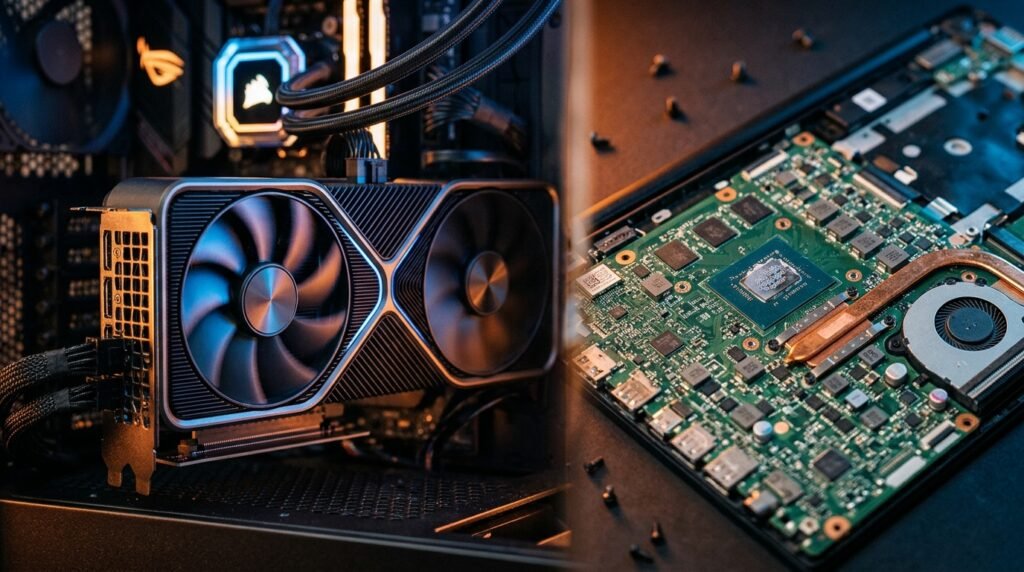
A thin laptop with a low TGP can lose noticeable performance compared to a thicker model with a higher one. Before you buy, check the TGP in the full specification sheet and not only the GPU name. As a rough rule, a laptop GPU performs closer to the desktop card one tier below it.
Thermal Throttling and Sustained Performance
A laptop can match a desktop for the first few minutes of a game. The gap shows up later. When the CPU and GPU get too hot, the system lowers its clock speeds to protect itself. This is thermal throttling, and it shows up as frame rate drops and stutter in long sessions.
Desktop cases have far more room for airflow, bigger heatsinks and liquid coolers, so they hold steady speeds for hours. If you often play for two hours or more, you will notice the difference.

FPS Comparison at 1080p, 1440p and 4K
Exact frame rates change with the game, the settings and the exact hardware, so treat this table as a general guide and not a benchmark.
| Resolution | Gaming Desktop | Gaming Laptop |
|---|---|---|
| 1080p | Excellent at almost every price | Excellent from mid-range up |
| 1440p | Excellent with a mid to high-end GPU | Good to very good, needs a high TGP model |
| 4K | Realistic with a high-end GPU | Possible only on the most expensive laptops, often with upscaling |
Upscaling and frame generation tools such as DLSS help laptops close some of the gap, but they work best when the base performance is already solid.
CPU Comparison: Mobile vs Desktop Processors
The same idea applies to processors. Laptop CPUs are tuned to use less power and produce less heat, so a desktop chip with a similar name is usually faster, especially in heavy multitasking, streaming while gaming, or video editing. For pure gaming, the GPU matters more than the CPU, so a good mobile processor will rarely be your bottleneck.
Upgradability and Lifespan
This part decides how much you spend over the years, not just on day one.
What You Can Upgrade on a Desktop
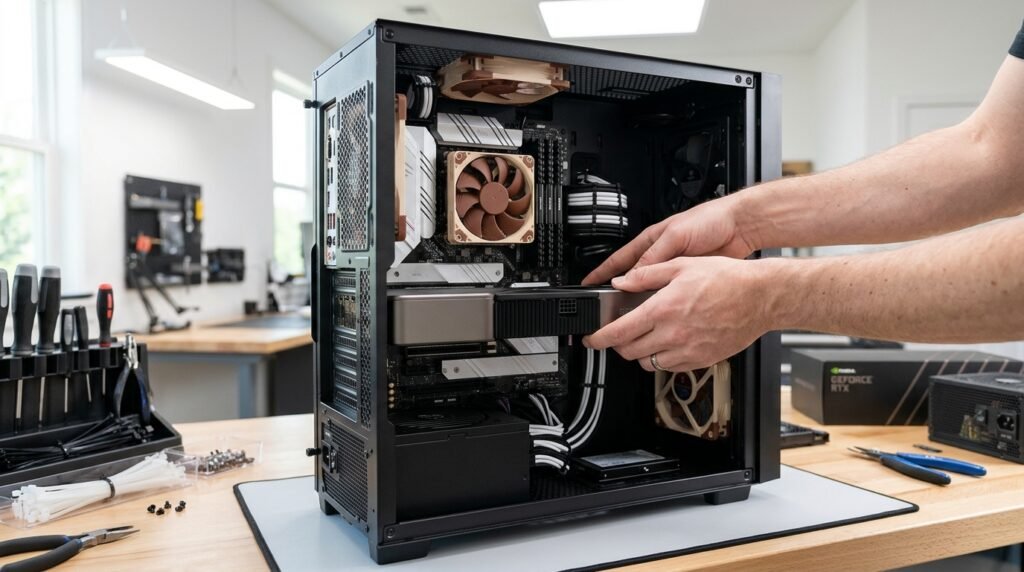
Almost everything. You can swap the graphics card, processor, memory, storage, power supply, fans and case. If your GPU feels slow in three years, you buy a new GPU and keep the rest. That costs far less than a new computer.
What You Can Upgrade on a Laptop
Usually only storage and sometimes RAM. On many models the memory is soldered to the board. The CPU and GPU cannot be changed. When the graphics chip gets old, the only fix is a new laptop, even if the screen, keyboard and body are in perfect shape.
Battery wear is another factor. After a few years of heavy use, laptop batteries hold much less charge, and replacing one adds cost.
How long does each last? A well-chosen gaming desktop can stay useful for six to eight years with a GPU upgrade along the way. A gaming laptop usually feels dated for new releases after three to five years.
Price and Value for Money
Budget, Mid-Range and High-End Comparison
At every price level, a desktop gives you more performance. A laptop gives you more convenience. Prices change often, so check current listings before you decide. The general pattern looks like this:
| Tier | What a desktop gets you | What a laptop gets you |
|---|---|---|
| Budget | Solid 1080p gaming | Decent 1080p gaming, with compromises |
| Mid-range | Strong 1440p gaming | Good 1080p to 1440p gaming |
| High-end | High-refresh 1440p and 4K | Very good 1440p, limited 4K |
Hidden Costs: Monitor, Peripherals and Electricity
A desktop price tag rarely includes a monitor, keyboard, mouse, headset or speakers. Add them up before comparing, because the real gap between the two options is smaller than it first looks, especially at the budget end.
Electricity is another small cost. A gaming desktop draws more power than a laptop during play, so if power is expensive where you live, factor that in over a few years.
On the other side, a laptop already includes a screen, keyboard, trackpad, speakers and webcam, so the extra spending is minimal.
Display, Cooling and Noise
Screen Quality
On a desktop you pick the monitor. You can choose a fast 1080p panel for competitive shooters, a 1440p screen for a balance of sharpness and speed, or an ultrawide for racing and open-world games. You can upgrade the monitor later without touching the PC.
A laptop screen is fixed. Mid-range models usually have a 144Hz or 165Hz panel, and premium models offer OLED or Mini-LED. One thing to check is whether the GPU can actually reach the refresh rate of the screen. A 240Hz display means little if the laptop only produces 90 frames in your favourite game.
Cooling and Overheating
Gaming laptops get hot, mainly around the keyboard and the exhaust vents. Good designs with vapour chambers and strong fans handle it better, but they cannot beat the airflow of a full-size case.
Fan Noise
Laptop fans spin fast under load and can be loud enough to need a headset. Desktops are easier to keep quiet because larger fans move more air at lower speeds.
Portability and Battery Life
This is the one area where the laptop wins without a fight. You can game in your room, then carry it to class, a friend’s house or another city.

The catch is battery life. While gaming, most gaming laptops last around an hour or two, and many perform worse on battery than when plugged in. In practice, you will carry the charger with you, and a charger for a gaming laptop is large and heavy.
If you want portability but do not need top performance, a lighter laptop for everyday work plus a console, or a handheld gaming PC, may suit you better than a heavy gaming laptop.
Resale Value, Warranty and Repair
Repairs: Desktop parts are standard and easy to replace. If a fan, power supply or drive fails, you swap that single part. Laptop repairs often involve proprietary parts, tight assembly and higher labour costs.
Warranty: Laptops usually come with one warranty that covers the entire machine, which is simple. Desktops built from parts have a separate warranty for each component, which is more to track but also lets you replace only what fails.
Resale: Graphics cards hold their value reasonably well, and you can sell parts individually when you upgrade. Laptops lose value faster, partly because of battery wear and ageing hardware that cannot be upgraded.
Other Options: Handheld Gaming PCs, Mini PCs and eGPU
Sometimes neither a full tower nor a big laptop is the best fit.
- Handheld gaming PCs such as the ROG Ally or Legion Go are small, portable and good for lighter games and older titles. They are not built for the newest, most demanding games at high settings.
- Mini gaming PCs take up very little space and can deliver strong performance, but they cost more per unit of power and have less room for upgrades.
- External GPUs (eGPU) let a compatible laptop use a desktop graphics card through a dock. It works, but docks are expensive and the connection limits the card, so the value is often poor.
Gaming Desktop Pros and Cons
| Pros | Cons |
|---|---|
| Best performance for the money | Not portable |
| Full-power GPUs and CPUs | Monitor and peripherals cost extra |
| Stays cool during long sessions | Takes more space |
| Easy to upgrade and repair | Setup takes longer |
| Choose any monitor | Higher power use |
| Longer useful life | Not practical for frequent moves |
Gaming Laptop Pros and Cons
| Pros | Cons |
|---|---|
| Portable, all-in-one | Costs more per unit of performance |
| Good for study, work and travel | CPU and GPU cannot be upgraded |
| Saves desk space | Throttles in long sessions |
| Quick to set up | Short battery life while gaming |
| Works well for 1080p and 1440p | Loud fans under load |
| No extra screen needed | Shorter lifespan |
Who Should Buy What?
Buy a Desktop If…
- You game in one place and want the most power for your budget
- You like to tweak, upgrade and customise your setup
- You want a high-refresh monitor or an ultrawide screen
- You play long sessions or plan to stream
- You want the machine to last five years or longer
Buy a Laptop If…
- You are a student who needs one device for classes and games
- You share a room or live in a small space
- You travel often or change homes regularly
- You want a single machine for work, editing and gaming
- You accept replacing it after three to five years
There is also a middle path. Some players buy a mid-range gaming laptop and connect it to a monitor, keyboard and mouse at home. You get a desk setup at home and portability when you need it, though it costs more than a desktop with the same performance.
Frequently Asked Questions
Is a gaming laptop worth it?
Yes, if you need portability or one machine for everything. A good gaming laptop runs modern games well at 1080p and 1440p. If you only play at home, a desktop gives better value.
Can a gaming laptop replace a desktop?
For most players, yes. A laptop handles current games well. It cannot match a desktop for sustained performance, upgrades or lifespan, so serious enthusiasts often stay with a desktop.
Do gaming laptops overheat?
They run hot under heavy load, and weaker cooling designs can throttle in long sessions. A cooling pad, clean vents and a model with strong cooling reduce the problem, but they do not remove it.
Is a gaming PC better for 4K?
Yes. A desktop with a high-end graphics card handles 4K more reliably and at higher settings than a laptop in the same price range.
How long does a gaming laptop last?
Usually three to five years before newer games feel demanding. A desktop can last six to eight years with a GPU upgrade partway through.
Are gaming desktops cheaper than laptops?
Per unit of performance, yes. The price of the tower may look similar, but you also need a monitor and peripherals, so compare the complete setup and not just the machine.
What is TGP in a gaming laptop?
TGP is the maximum power a laptop’s graphics chip can use. A higher TGP usually means better performance, so two laptops with the same GPU name can perform very differently.
Final Verdict: Gaming Laptop or Desktop?
A desktop gives you more performance, easier upgrades, better cooling and a longer life for the same money. A laptop gives you freedom to move and the convenience of one device that does everything.
So ask yourself one question: do you need to move your setup? If not, buy the desktop. If yes, buy the laptop, check its TGP and cooling before paying, and expect to replace it sooner.